Posts

Minecraft 1.18 Pe Official Version Download Now

Image
This past June, Mojang released the first part of its Caves & Cliffs update, bringing with it new mobs, blocks, and in-game characters. But seeing that this update was splint in two, we only knew that the second half would land sometime in winter. Well, winter might not officially start until December 21st, but I see no reason to complain about an early launch from Mojang. As expected, the release of the second half of the Caves & Cliffs update brings new cave generation along with new cave and mountain biomes. Even the generation of these biomes has been improved upon, the same with the generation of caves and ore. New music has also made the cut, and there are over 70 bug fixes, making the early arrival of The Caves & Cliffs: Part II that much more enticing. Above, you can watch the fresh new trailer for The Caves & Cliffs: Part II update. It's a cinematic that illustrates the game now offers updated caves and cliffs, fairly self-explanatory. This mean...

Minecraft Pe 1.17.32 Official Update is here for android

Image
Mojang has Released Another Minecraft Official Update which is Minecraft 1.17.32 Caves and cliffs. This Update Foucs on Several Bug Fixes in Minecraft 1.17.32 and make game more stable and more improved. List of bug fixes in Update Fixes: Fixed several crashes that could occur during gameplay Fixed a crash that could occur when navigating the Marketplace sidebar Fixed issues with content not loading, even when connected to the internet (MCPE-102994) Fixed an issue where light blocks would force players to spawn at the surface of the Overworld Fixed the Looting enchantment not being applied when a mob was killed with a projectile (MCPE-141935) Fixed issue causing "Couldn't pack your world file for upload" error when uploading a world to Realms on Nintendo Switch Fixed some chunks being deleted when reentering a flat world and old world with the Caves & Cliffs experimental toggle enabled, as well as other world generation issues (MCPE-140428) How to download...

DOWNLOAD MINECRAFT NEW UPDATE 1.17.11

Image
Mojang Has Released Another Minecraft Beta Update Which is Minecraft 1.17.11 Caves and Cliffs. This Update Foucs On Fixing Bugs in Minecraft Version 1.17.10  and Making Game More stable and bug free. And Its increase Chances Of Generating More Lush Caves in New Worlds of this Update  How to download Minecraft 1.17.11 on Android Step 1 :-  Open Google Play Store. Step 2 :- if you Purchase the Minecraft On Google Play Store You Can Simply Update it. Step 3 :- If you Didn't Purchase So You Can Simply Download from  click here Install The Game And Enjoy New Minecraft beta Update 1.17.11

TOP 5 NEW MOBS COMING IN MINECRAFT FUTURE UPDATES

Image
As you know that Every Minecraft New Update Come with New Mobs As we see that in Minecraft Latest Update 1.17 Cave and cliffs New Mobs Like Goats , Axelotle and Glow Squid. For Getting New Mobs In Future Update Mojang Sometimes Host a Mob Vote to Get Community Opinion. And Devlopers also introduce New Mobs on Twitter. In this Post we are Talking about The New Future Mobs Of Minecraft that Can Be Add in Future Minecraft Updates. 1. Frog Frog Cab Be the New Mob to add in minecraft future updates. It will spawn in swamp biome.It has been Introduced in Minecon 2019.  2. Ostrich 3.Meerkat 4. Vulture  5. Warden 

Minecraft RTX Graphic in Pocket Edition

Image
MINECRAFT RTX GRAPHIC This Minecraft texture packs is honestly one of the most beautiful packs to download when it jcomes to ambiance and environment. Wherever the player spawns, this resource pack improves the player's surroundings exponentially. Trees look next level realistic, puffy clouds cover the skies, and sunshine shines through the the clouds, which is really awesome. This pack brings so much realism and life into the game, adding texture to almost all and every block, shadows and highlights where needed, and so much more. HOW TO INSTALL RTX GRAPHIC IN MINECRAFT PE First you have to install Texture pack  From here click here Then open file manager and extract the files Now move the extracted file and paste in folder games > com.mojang > resource pack . After open Minecraft Create New world and Activate the Resource Pack . Now its ready to play with Rtx Graphic

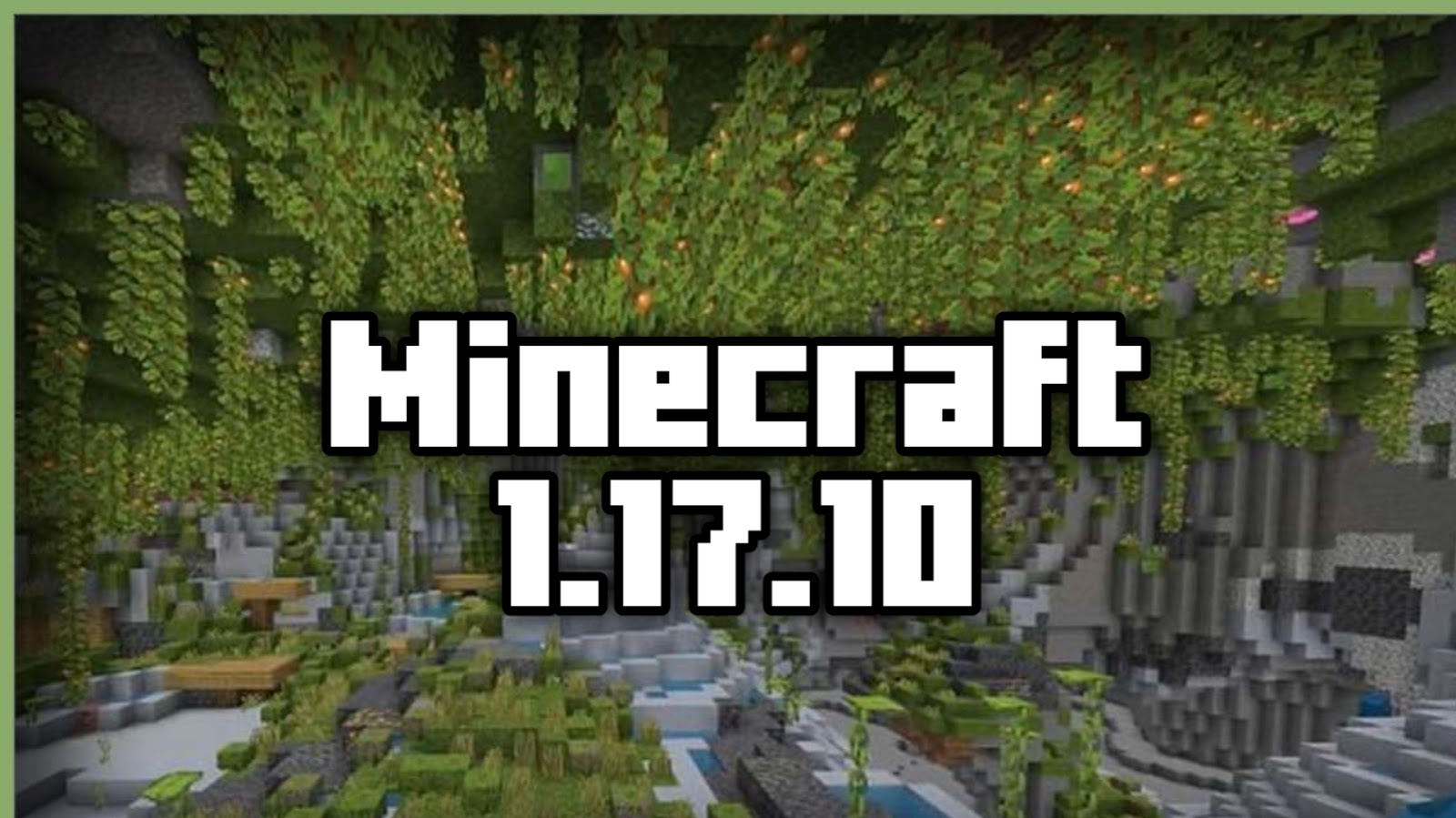
Minecraft 1.17.10 New Update is Here

Image
Mojang Studios has rolled out update 1.17.10 for Minecraft: Bedrock Edition, which includes some experimental new features from the upcoming Caves & Cliffs: Part II update, numerous bug fixes, and more. Update 1.17.10 patch notes Candles Candles are now available in the game! Can be placed in clusters up to four and lit using Flint & Steel Put a Candle on a Cake and make a wish! Candles can be crafted using a Honeycomb and String Combine with dye on a crafting grid to craft different colored Candles Potted Azaleas Added potted Azalea and Flowering Azalea variants Just place an Azalea in a Flower Pot! Realms World Slots Each Realm subscription now has three world upload slots One world can be active at a time, and Realms owners have the ability to switch the Realm's active world between the three world slots Experimental Gameplay Experimental features from Caves & Cliffs: Part II are available in this update and can be enabled on the world creation screen! Pl...

Minecraft New Mob Warden Add on Download

Image
Warden The Warden is an upcoming hostile mob in the 1.17 - Caves and Cliffs update. The Warden will be the first blind mob to be added to Minecraft. Instead of following the player normally, it uses the sculk-like sensors on its head to detect vibrations. How To Add Warden Add On Follow Below Step 1.) First You Have to Download Minecraft Warden Add On  click here 2.) After Download Find the The Add On File in File Manager. 3.) Install the warden mob file by clicking it and its automatically import in minecraft. 4.)Now create New World and Activate Wardon add on from Behavior and recource pack.